The Easiest Way to
Set Up Your NM-TV
Eliminate the "Hard IP Part." Our professional desktop suite automatically detects, configures, and manages your NM-TV miners with zero technical friction.
Eliminate the "Hard IP Part." Our professional desktop suite automatically detects, configures, and manages your NM-TV miners with zero technical friction.
 NMMINER
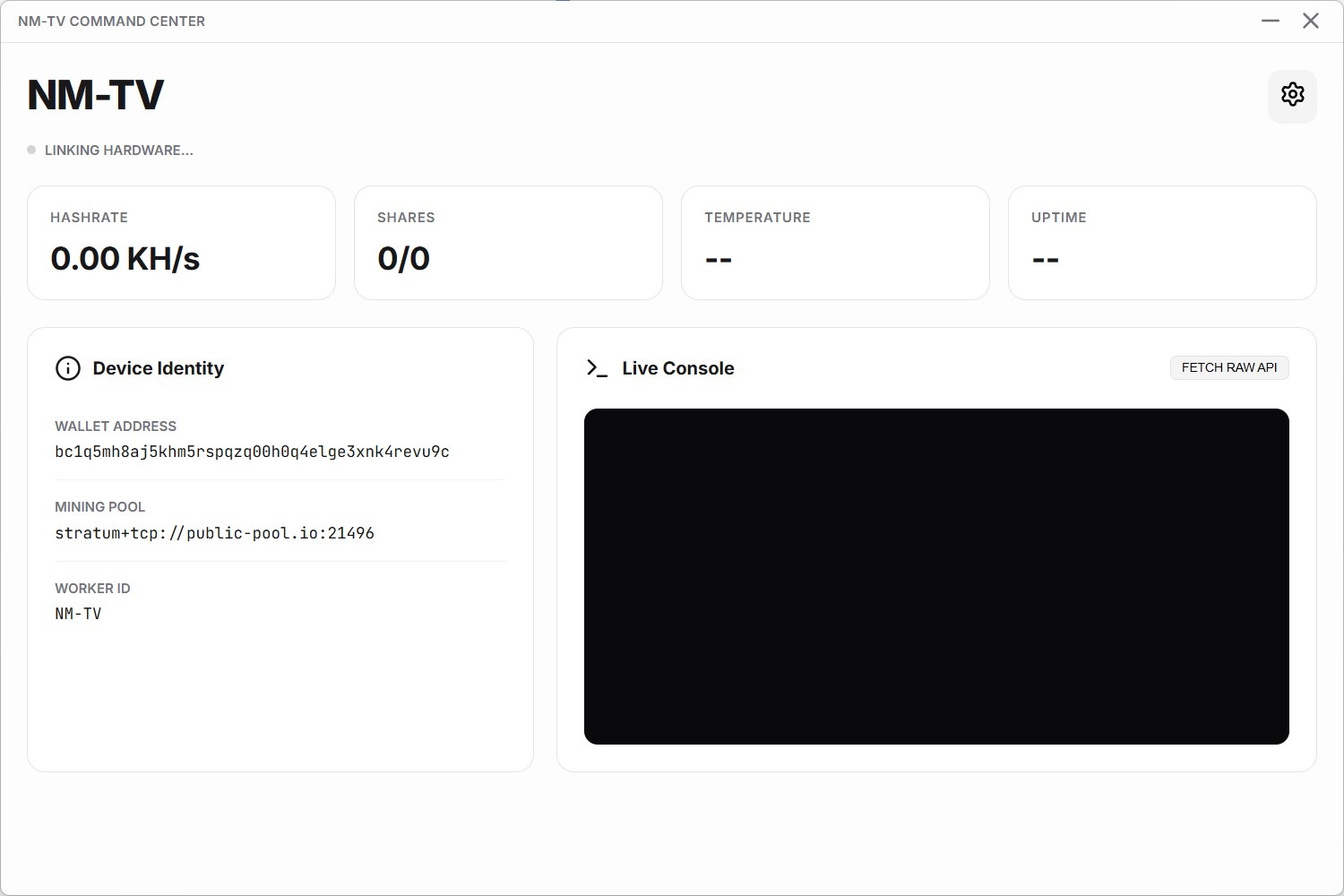
See how easy it is to manage your miner with the Official Command Center.
Designed for miners who demand reliability and control.
Instant hardware recognition via USB or Network. Stop searching router logs and manual IP tables forever.
Monitor your entire fleet from a single window. A clean, high-performance interface for real-time mining data.
Stream ultra-low latency hashrate, shares, and temperature data directly from your hardware to your desktop.
Your Bitcoin wallet and credentials never leave your network. Direct point-to-point security for your assets.
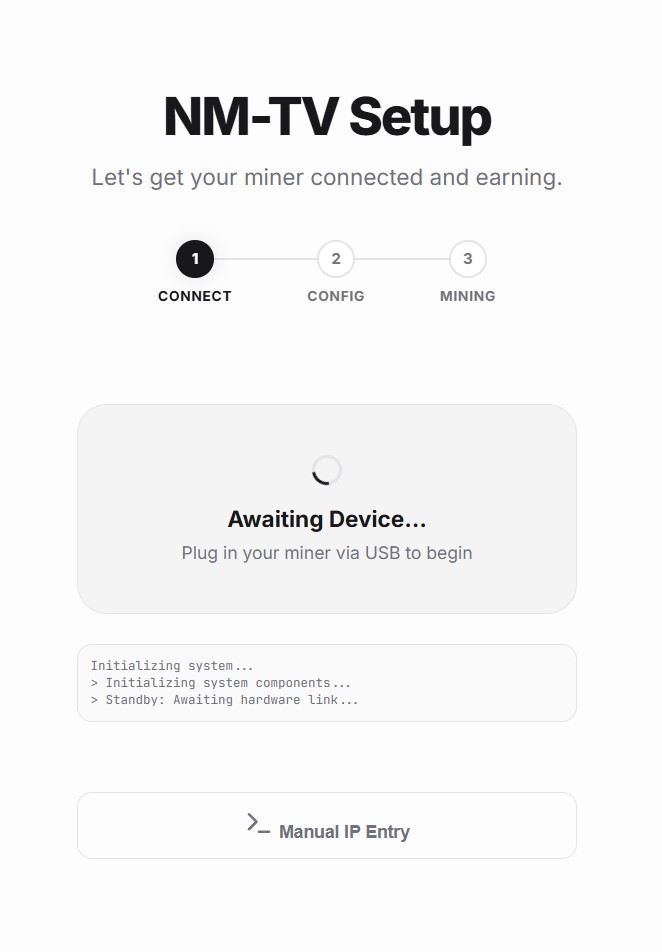
Setting up your miner shouldn't be a technical hurdle. We've simplified it into three intuitive phases.
Connect via USB. Detection is instant. No drivers, no configuration, just immediate hardware link.
Enter your WiFi and Wallet details through our secure visual wizard. We push the settings directly to your device.
Watch your hashrate climb. Your miner connects to the network and begins streaming data to your dashboard.
Compare the Official Command Center vs. Manual Configuration
| Feature | Manual Setup | Command Center |
|---|---|---|
| Device Discovery | Check router logs for IP | Instant Auto-Detect |
| WiFi Configuration | Hard-coded or Web Portal | Guided Visual Wizard |
| Stats Monitoring | Browser Refresh | Real-time Live Stream |
| Multiple Miners | Multiple Browser Tabs | Unified Dashboard |
| Safety | Manual IP Exposure | Secure Local Link |
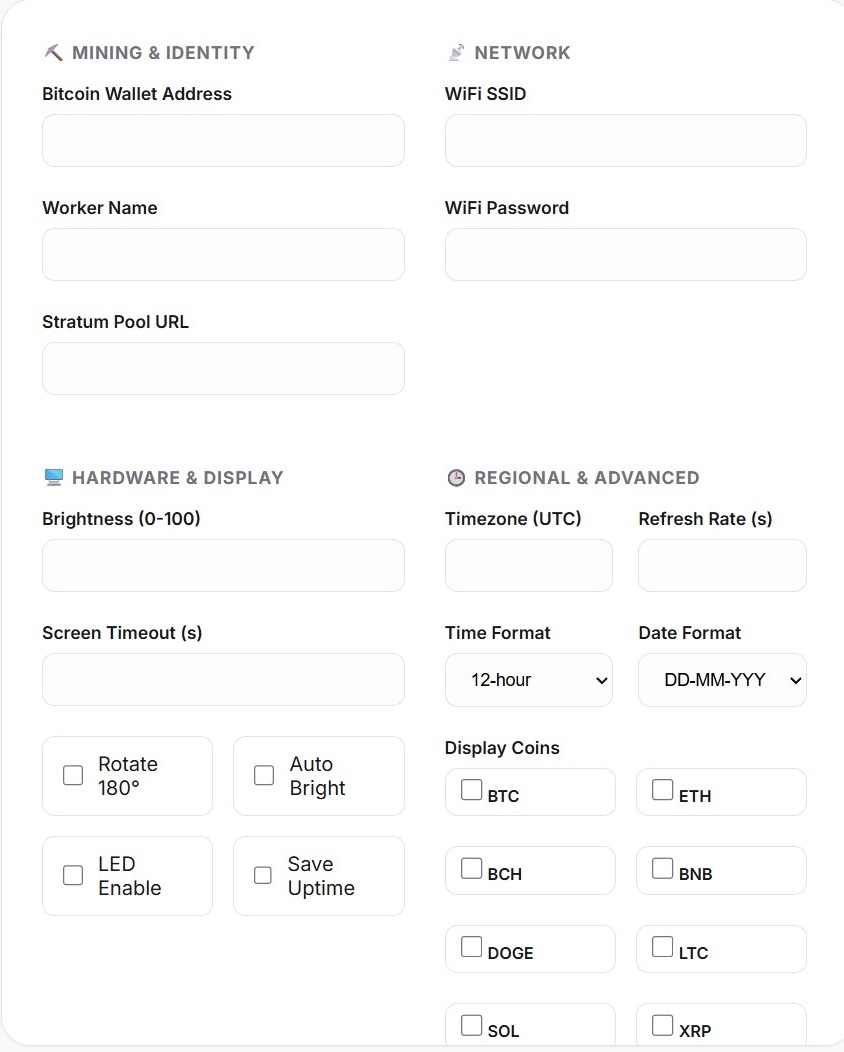
No more manual config files. Change every aspect of your miner directly through the desktop interface.
Adjust brightness, screen timeout, and orientation with a single click.
Manage your mining pools, worker names, and regional timezone settings instantly.
Toggle which tokens display on your NM-TV screen using a simple checkbox interface.
The Command Center is optimized for the entire NMMiner ecosystem and ESP32-based hardware.
Get the Official NM-TV or the powerful NMAxe (1.2TH/s) directly from the source.
Browse ShopUsing your own ESP32 board? Purchase an official NM Lotto license to unlock full features.
Buy LicenseAccess the official NM Miner community and technical documentation.
Contact NM MinerEverything you need to know about the NM-TV Command Center.
The app uses a combination of USB serial handshakes and local network scanning to find your NM-TV without you ever needing to type an IP address.
Absolutely. Your wallet address is sent directly to your miner over your local network. No data ever leaves your computer.
NM-TV supports all SHA256d algorithm based cryptocurrencies, including Bitcoin (BTC), Bitcoin Cash (BCH), eCash (XEC), and Digibyte (DGB).
The device is extremely efficient with a minimum power consumption of around 0.8W. Continuous operation for a full month costs less than 1 KWh.
The app includes the necessary drivers for most ESP32 hardware, ensuring a plug-and-play experience on Windows.
Yes! The Command Center is built to handle fleets of NM-TV devices from a single, unified interface.
Lottery draws occur automatically every 10 minutes, giving you frequent chances to win the block reward.
Official NM-TV hardware includes the license. For custom boards, an official NM Lotto license is required to unlock full features.